شرح على السبورة
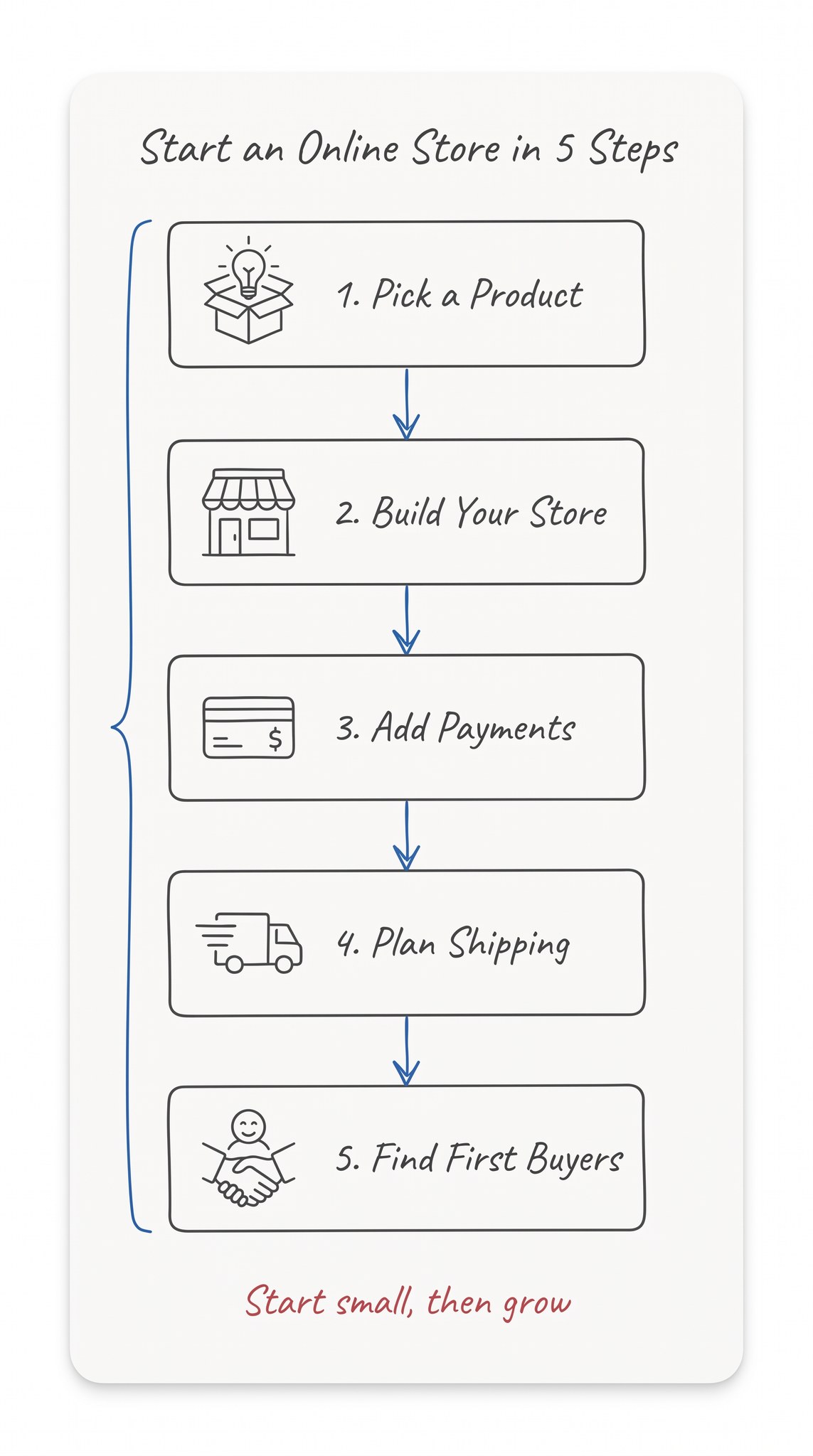
مخطط شرح بخط اليد يحوّل أي موضوع إلى خطوات مرقّمة في مربعات رفيعة تربطها أسهم زرقاء، ويصلح منشورًا تعليميًا أو شريحة عرض.
نُشر في
- الأداة
- Nano Banana Pro
- المقاس
- 9:16 طولي
- الجودة
- 2K
البرومبت
Create a hand-drawn whiteboard sketch diagram that explains a topic step by step.
Style: an elegant, minimal explainer sketch, like an architect explaining an idea with a fine pen. Clarity through restraint: the lightest touch that still communicates clearly, with generous white space everywhere.
Canvas: vertical 9:16, flat and straight-on. A near-white card (#FEFEFE) fills about 96% of a pure white background, with softly rounded corners, no shadow and no border. This is a clean digital sketch, not a photo of a whiteboard: no frame, no marker tray, no hands, no people.
Line work: thin and delicate everywhere, like a 0.5 mm fine-tip pen. Uniform weight, clean and slightly imperfect, drawn quickly but skillfully. All lines and box outlines in dark gray #4A4B4B, never pure black.
Colors: text in near-black #020202; arrows, connectors, brackets and step numbers in medium blue #2C68B7; the bottom note in warm coral red #B34952; small filled squares or dots in blue or gray only. No large solid areas, no gradients.
Lettering: light, elegant italic handwriting in clear English, never bold. Write only these words, spelled exactly as given, and nothing else:
- Title at the top: "Start an Online Store in 5 Steps"
- Steps, flowing from top to bottom: "1. Pick a Product", "2. Build Your Store", "3. Add Payments", "4. Plan Shipping", "5. Find First Buyers"
- One short note in red at the bottom: "Start small, then grow"
Diagram: each step sits in its own thin outlined box, with a tiny simple line icon beside it that matches its meaning. Thin blue hand-drawn arrows connect the boxes in order, with small two-line arrowheads. A thin blue curly bracket runs along the side of the steps. Rough but intentional alignment, generous gaps between elements; the drawing dominates and the text stays secondary.
Avoid: thick or bold lines, chunky slide-deck or 3D block arrows, drop shadows, gradients, clip-art, bubble shapes, decorative clutter, extra words, filler text, gibberish letters, non-English letters, logos, watermarks.
خصّصه لفكرتك
اكتب القيم بالإنجليزية، لأن البرومبت مكتوب بها. يتغيّر البرومبت وأنت تكتب.
اكتبه بالإنجليزية في كلمات قليلة، مثل How to Learn a New Language
اكتب كل خطوة بالإنجليزية في كلمتين أو ثلاث، مرقّمة وبين علامتي تنصيص كما في المثال
جملة إنجليزية قصيرة تُكتب بالأحمر أسفل المخطط، مثل Practice a little every day
طريقة الاستخدام
- عدّل الخانات في «خصّصه لفكرتك»، واكتب العنوان والخطوات والملاحظة بالإنجليزية في كلمات قليلة، ثم انسخ البرومبت.
- افتح Nano Banana Pro في المنصة التي تستخدمها.
- اختر المقاس 9:16 والجودة 2K، والصق البرومبت، ثم ابدأ التوليد.
- اطلب صورتين من البرومبت نفسه، وراجع كل كلمة حرفًا حرفًا قبل أن تنشر المخطط.
- إن أردت الكتابة بالعربية، فأضفها بعد التوليد في تطبيق تصميم، لا داخل البرومبت.
ملاحظات من تجربتي
- طلبتُ صورتين في محاولة واحدة، فخرجت كل الكلمات فيهما مكتوبة بلا خطأ واحد في الحروف من أول مرة، ولم يضف الموديل أي كلمة لم أطلبها.
- اخترتُ الصورة التي جاءت كتابتها كلها بخط اليد المائل وأيقوناتها داخل المربعات، لذلك اطلب صورتين واختر الأقرب إلى الشكل الذي تريده.
- اختار الموديل أيقونة تناسب كل خطوة من نفسه: صندوقًا فوقه مصباح، وواجهة متجر، وبطاقة دفع، وشاحنة توصيل، وشخصًا مبتسمًا فوق يدين تتصافحان.
- إن أردت أرقام الخطوات بالأزرق، فجرّب أن تكتبها في جملة مستقلة، مثل The step numbers are drawn in blue. وكتبتُ النصوص بالإنجليزية لأن موديلات الصور تكتبها بدقة أعلى، فإن احتجتَ إلى نص عربي، فجرّب أن تضيفه فوق الصورة في برنامج تصميم.
برومبتات شبهها
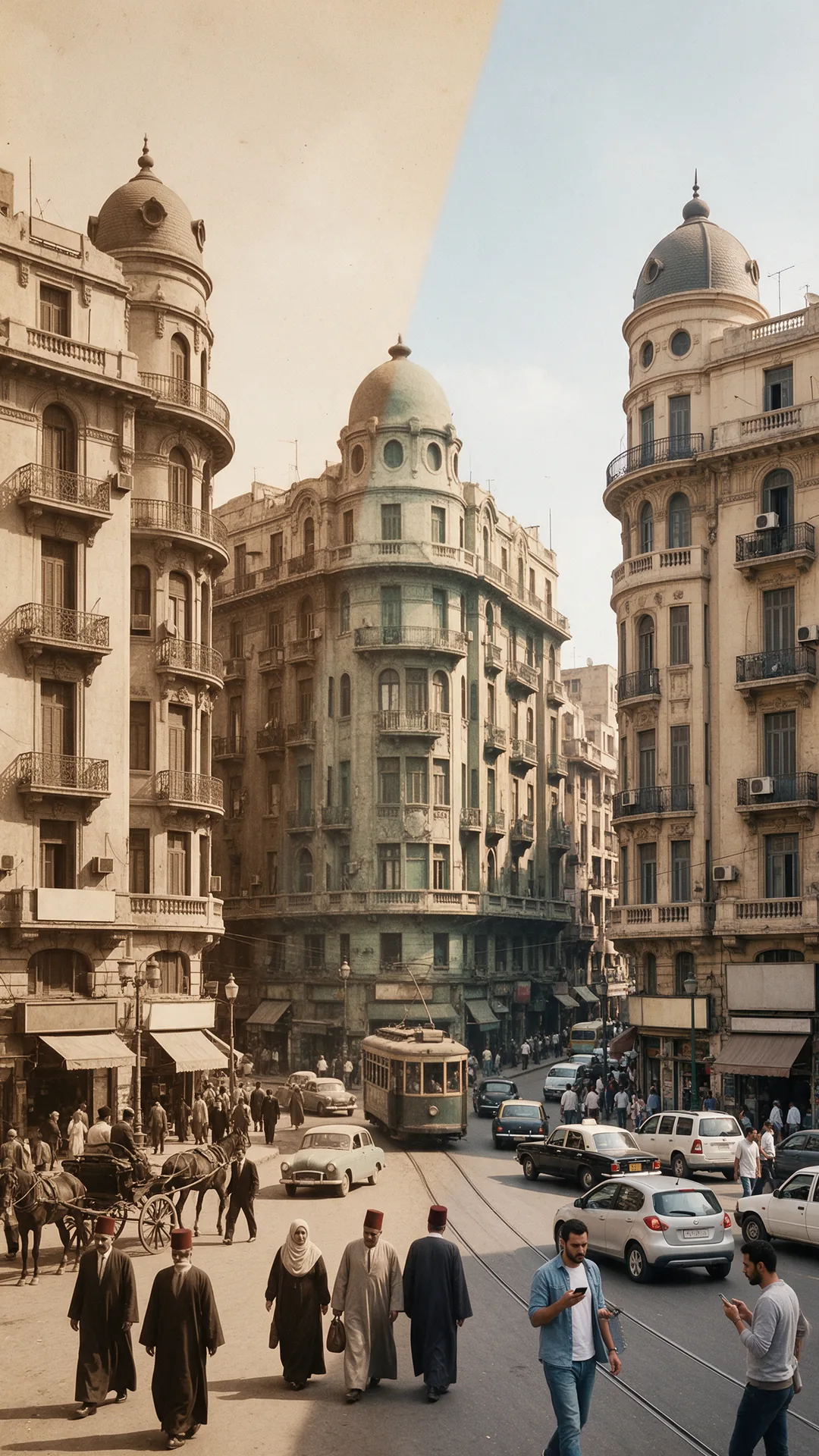
القاهرة
ميدان في ثلاثة عصور
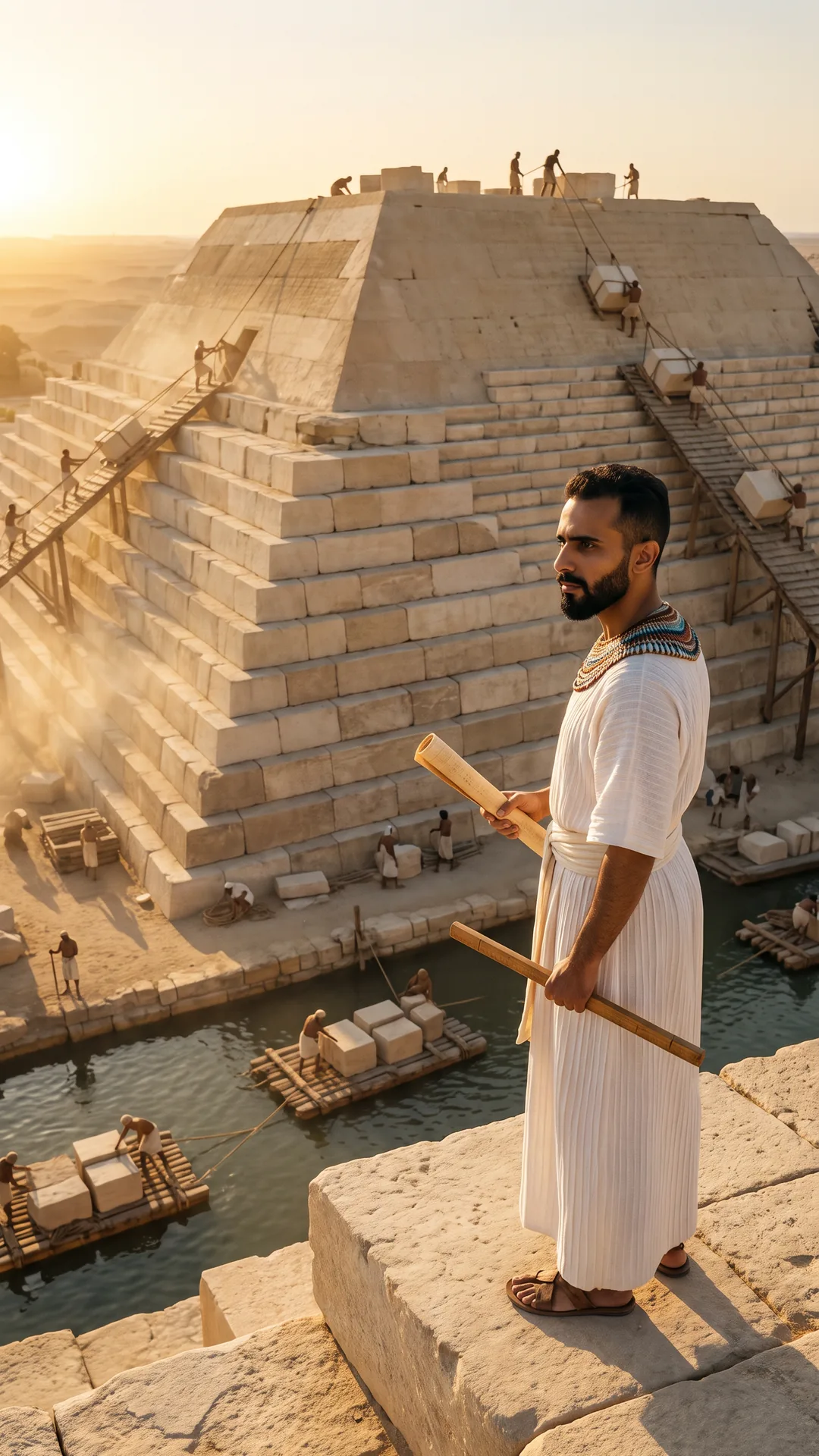
الجيزة
أنت مهندس الهرم

من صورتك
صورة بروفايل احترافية
إعلانات
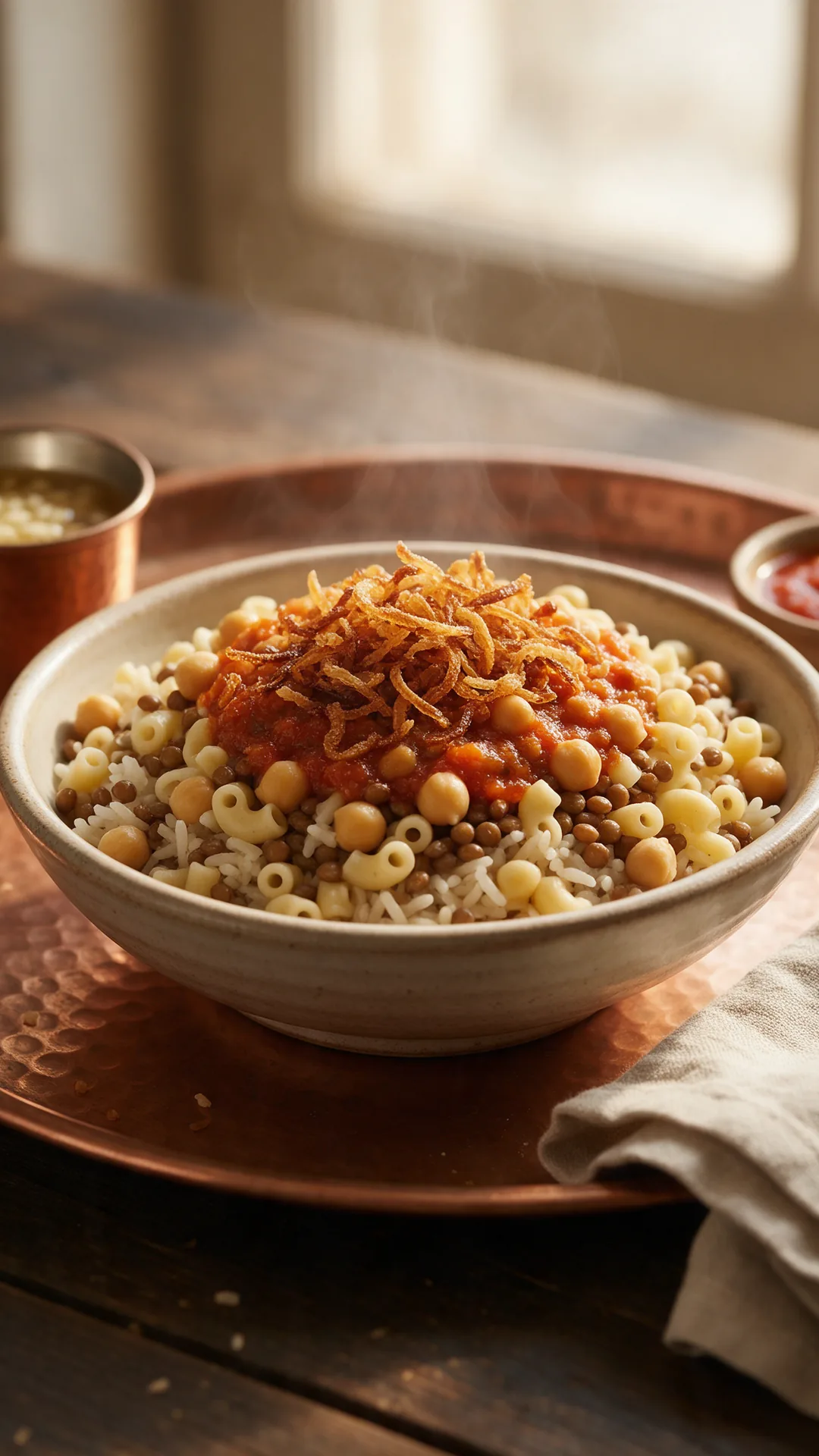
صورة أكل للسوشيال